WARDOGS
100% Save
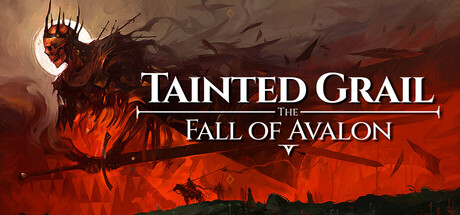
Step into a dark reimagination of Arthurian legends in this first person, open world RPG. Explore a world stuck in everlasting autumn, witness falling legends and make meaningful choices woven into a complex, branching storyline.
The 100% Save for Tainted Grail: The Fall of Avalon is ready. SaveUnlocker backs up your progress before installing the Save.
Hit Download Save, open SaveUnlocker and pick Tainted Grail: The Fall of Avalon. It backs up your progress before installing the 100% Save.
Sync is useful, but it can also spread an unwanted overwrite to every device. Make a separate local copy before replacing anything and keep it until you have tested the game.
Paths can differ between game builds and stores. Check the other folders listed on this page, and make sure the game has been launched at least once so it has created its Save files.