WARDOGS
100% Save
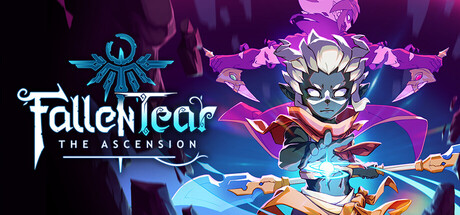
A story-driven Metroidvania where the allies you choose to bond with change how you fight and explore. Journey through the high-fantasy world of Raoah, uncover lost civilizations, and forge bonds that shape your path through a land on the brink of collapse.
The 100% Save for Fallen Tear: The Ascension is ready. SaveUnlocker backs up your progress before installing the Save.
Hit Download Save, open SaveUnlocker and pick Fallen Tear: The Ascension. It backs up your progress before installing the 100% Save.
Sync is useful, but it can also spread an unwanted overwrite to every device. Make a separate local copy before replacing anything and keep it until you have tested the game.
Paths can differ between game builds and stores. Check the other folders listed on this page, and make sure the game has been launched at least once so it has created its Save files.